-White.avif)
-Color.avif)
AI Application Security: A Practical Guide for Product and Security Teams
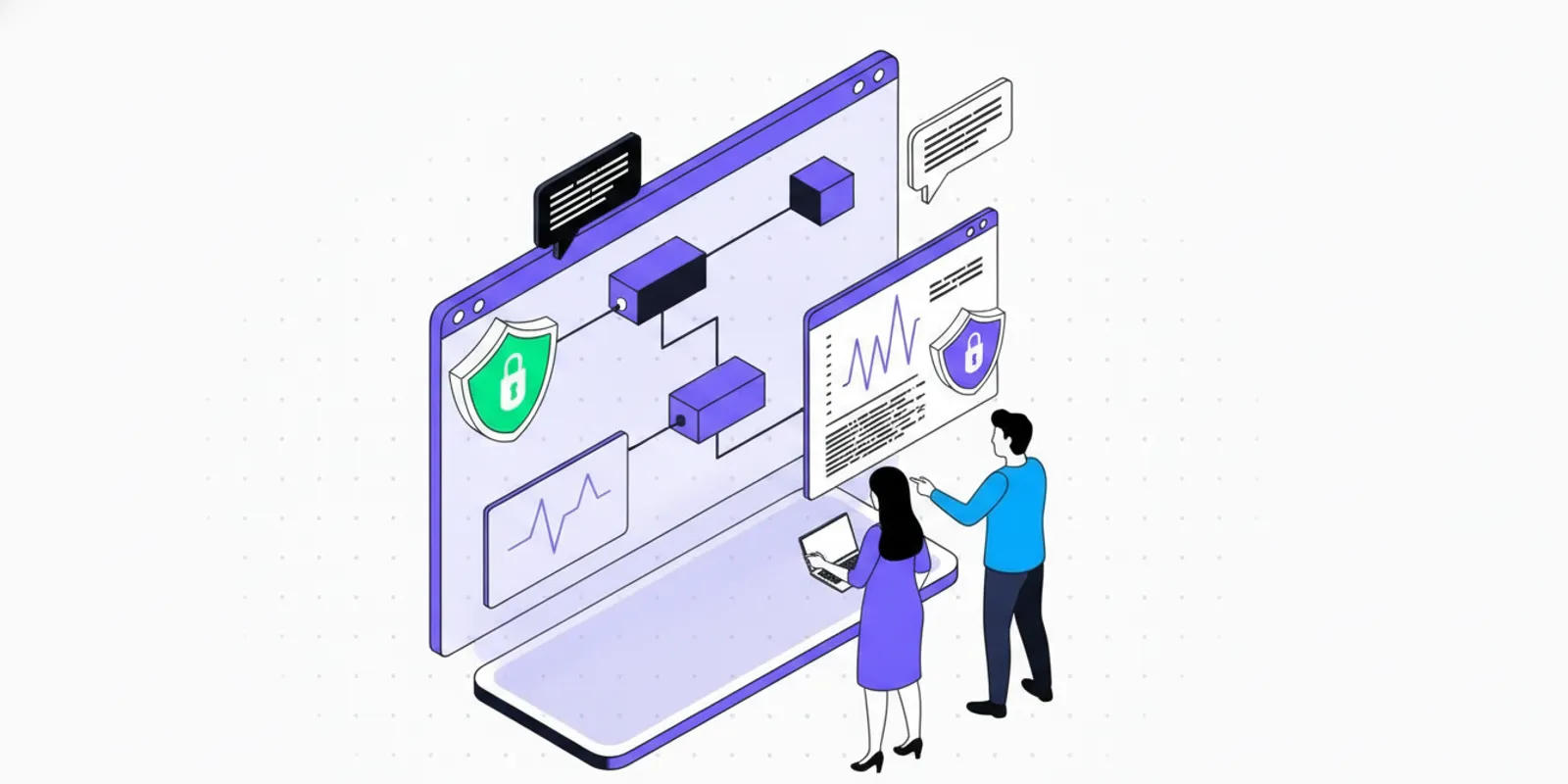
AI application security is the practice of protecting the complete product that uses AI, not just the model behind it. For teams adding AI features to customer-facing software, that means securing data flows, prompts, model connections, permissions, tools, APIs, and the conventional application components around them.
Talk with a security specialist
What does AI application security include?
An AI feature is part of an application and inherits many familiar software risks. It can also introduce new paths for untrusted input to influence model output or actions. A useful security review therefore looks beyond the model itself and traces how a request moves through the product.
Map the feature from user entry point to final action. The flow may include a browser or mobile client, an application server, a model API, retrieval from a knowledge store, external services, and tools that can update data or trigger tasks. Every transition can create a security boundary, a data exposure risk, or an opportunity for misuse.
The scope commonly includes:
- Product interfaces: Web, mobile, and API routes that accept prompts or display generated responses.
- Identity and authorization: How a user or service is authenticated, what it can access, and whether permissions are enforced for every action.
- Prompts and orchestration: System instructions, conversation history, templates, routing logic, and safeguards that shape requests.
- Models and providers: Model endpoints, configuration, credentials, rate limits, and the data sent to an external provider.
- Context and retrieval: Documents, embeddings, search results, caches, and records supplied to the model.
- Tools and integrations: Functions, plugins, internal APIs, and third-party services the AI feature can call.
- Operations: Logs, monitoring, deployment settings, secrets, and the process for investigating unexpected behavior.
For a broader view of the application layer and its controls, see this practical guide to web application security. AI does not replace ordinary application security. It adds new interactions that need to be included in the same risk model. For further background, CISA lists Practical AI Security: Attacks, Defenses, and Applications as an AI security resource.
How does AI change the application attack surface?
The core challenge is that AI features often translate flexible, natural-language input into answers or actions. A user can ask for information, provide a document, request a tool call, or try to steer the system away from its intended task. The security effect depends on what the application lets the model see and do.
Consider a support assistant that can search account records and draft a response. If the search layer does not enforce the signed-in user's permissions, the assistant could expose another customer's information. If the assistant can also issue refunds, a weak boundary between response generation and privileged actions could create a more serious impact. The risk is in the whole workflow, including application authorization and action handling.
Teams should examine these categories of risk:
- Instruction manipulation: User-provided text or retrieved content may try to override the intended task or influence the model into disclosing information.
- Excessive data access: The AI feature may receive more records, secrets, or personal information than the task requires.
- Authorization gaps: A model response or tool call may not be checked against the permissions of the user who initiated it.
- Unsafe action handling: Generated text may be treated as a command, query, or trusted parameter without validation.
- Untrusted output: Model responses may be rendered in a browser, passed to another service, or used in a decision without appropriate handling.
- Integration exposure: API keys, provider credentials, and connected services can become targets if stored or scoped poorly.
- Abuse and availability: Repeated or unusually large requests can consume resources, trigger external costs, or degrade service.
- Weak visibility: Teams may lack enough privacy-conscious logging to understand which input, data source, or action led to a concerning result.
These risks overlap with established application concerns such as access control, input handling, API design, and cloud configuration. Review practical API security testing and cloud-native security controls alongside AI-specific test cases. A model boundary is not a substitute for validating the services and permissions around it.
How should teams map the AI feature before testing?
Start with a concrete feature and a data-flow diagram. Do not begin with a list of abstract AI threats. Describe what a normal user is trying to do, what information the feature needs, and what the system can change as a result.
- Define the feature and owner. Record its purpose, product owner, technical owner, environments, and intended users. Separate production behavior from prototypes or internal experiments.
- Trace inputs and outputs. Identify user prompts, uploaded files, retrieved records, model responses, and any downstream use of generated content.
- List identities and permissions. Include end users, service accounts, model-provider credentials, background jobs, and each tool's effective permissions.
- Mark trust boundaries. Note where content comes from users, third parties, internal records, models, and tools. Treat retrieved text as data, not as trusted instructions.
- Identify sensitive data. Decide what the feature may receive, retain, display, or send to an outside service. Include secrets and customer-specific records.
- Document allowed actions. List every read, write, message, or transaction the feature can initiate, and which application control approves each action.
- Set a safe test boundary. Confirm the environment, test accounts, data, integrations, and actions that are in scope. Do not test production behavior or third-party systems without authorization.
A simple architecture inventory can keep the review actionable. Include the feature, its entry points, data sources, model or provider connections, tools, authentication method, and business impact if it is misused. This also helps teams assess changes later. A new data source or permission should prompt a review of the paths it changes.
Teams building in modern delivery pipelines can connect this work to DevSecOps practices, so security checks are considered during development and not only at release. The goal is a repeatable review that fits the actual product lifecycle.
What is a practical AI application security testing workflow?
Testing should combine code and configuration review with realistic attempts to misuse the feature. A checklist is helpful, but it cannot establish that a specific product is secure. Test cases need to match the product's data, permissions, integrations, and intended behavior.
- Establish a baseline. Verify normal user journeys, authentication, authorization, error handling, and the expected behavior of connected APIs. Record the starting configuration and test conditions.
- Test access boundaries. Check whether users can retrieve another account's records, cause a tool to use broader permissions, or access information through conversation context or search results.
- Challenge untrusted content. Try varied user input and retrieved content that attempts to change the task, request sensitive information, or influence an action. Check whether application controls remain effective even when the model responds unexpectedly.
- Inspect tool calls and outputs. Verify that every action has server-side validation, an authorization check, and limits appropriate to its impact. Treat model-generated parameters as untrusted input.
- Review data handling. Check what is sent to model providers and other services, whether sensitive information appears in logs, and whether retention and access match the product's stated requirements.
- Test ordinary application weaknesses. Assess exposed endpoints, session behavior, API authorization, secrets, and deployment configuration. AI-specific review does not replace standard application testing.
- Confirm abuse controls. Evaluate request limits, resource consumption, failure behavior, and monitoring for repeated or unusual activity.
- Retest after changes. Recheck the original issue and the surrounding user journey after a fix. A patch is only useful if the risky behavior is no longer reproducible and normal product use still works.
For a guide to scoping common test types, see web, API, and cloud penetration testing. The test plan should match the actual architecture rather than assume that every AI product has the same capabilities. Teams comparing approaches can also review Penti's AI penetration testing and agentic AI penetration testing pages.
Which testing method fits the product and the risk?
Teams can combine secure design review, code review, automated checks, and penetration testing. The right mix depends on what the AI feature can access or change, how often it changes, and the potential impact of misuse. Automated checks can cover known patterns at scale, while focused human analysis can follow business logic across components.
| Review method | Best suited to | Important limitation |
|---|---|---|
| Design and data-flow review | Finding unclear trust boundaries, excessive access, and missing authorization decisions early | Depends on accurate architecture details and does not prove runtime behavior |
| Code and configuration review | Checking implementation, secrets handling, permissions, and validation paths | May miss behavior that emerges only across a full user journey |
| Automated security checks | Repeatedly checking known weaknesses and changes across builds | Can miss context-specific logic flaws and may report issues that need confirmation |
| Human-led application testing | Following realistic abuse cases across identities, data, APIs, and product workflows | Needs a defined scope, suitable test accounts, and time for investigation |
| Continuous or change-triggered review | Rechecking important flows when models, data sources, tools, or permissions change | Requires ownership and a process to triage and fix findings |
These methods complement each other. A scanner can identify a configuration concern, but a security reviewer may need to determine whether the concern exposes sensitive data in this product. A human review can identify a workflow flaw, but repeatable automated checks may help teams catch regressions. See continuous security testing for SaaS for how teams can think about testing between major releases.
What should human review confirm?
Human review adds context and judgment. A reviewer should confirm whether a reported issue is reproducible, identify the affected user journey, and explain the actual consequence. This is especially important when a model response is unpredictable or a test result could be mistaken for a confirmed vulnerability.
For each finding, check:
- Can the behavior be reproduced with the stated conditions and scope?
- Which user, account, or service identity is affected?
- What data or action is at risk, and what is the plausible impact?
- Does a server-side control prevent the behavior, or does the apparent safeguard rely only on a model response?
- Could the test result be a false positive, expected behavior, or a limitation of the test environment?
- What is the smallest practical fix, and what regression check will confirm it?
Findings should distinguish confirmed impact from a theoretical concern. Avoid claiming that a single successful test proves the entire system safe. The scope, test environment, and limitations matter when teams share results with product owners, customers, or auditors.
How can teams prioritize fixes and maintain security?
Prioritize by what an attacker or abusive user could achieve, not by how novel the AI feature seems. Unauthorized access to another customer's data, a privileged action without approval, or exposure of a secret generally deserves more urgency than a response that is simply inaccurate and has no sensitive downstream effect.
For each issue, record the affected feature, reproduction conditions, required access, data or action at risk, evidence, recommended fix, and retest result. Assign a named engineering owner and a target date based on severity and exposure. If a full fix takes time, use a safe temporary measure such as narrowing access or disabling a high-impact tool, where the product can support that change.
Maintain the review as the feature changes. Revisit it when a team:
- connects a new model, provider, or external service;
- adds a data source or changes retrieval behavior;
- grants the feature a new permission or tool;
- changes how user identity or account boundaries are enforced;
- moves the feature into a new environment or customer use case; or
- observes an unexpected result, security report, or pattern of abuse.
For example, if a team adds a new document repository, it should verify that retrieval filters still apply the signed-in user's access before any content reaches the model. Then test with two accounts that have deliberately different permissions, including a request for a document only one account can read. Record expected results, check logs for unintended disclosure, and add this scenario to the regression suite so a later integration change does not quietly reopen the path.
Keep an evidence trail that reflects what was actually reviewed: scope, date, environment, test accounts, key findings, remediation, and retest status. If a review relates to a customer or compliance request, verify the applicable requirements with the responsible security or compliance owner. Do not treat a general AI security test as proof that an organization meets a particular framework. Penti's overview of cybersecurity frameworks can help teams understand the broader landscape, while a qualified owner should confirm which obligations apply to their organization.
Frequently Asked Questions
Is AI application security only about prompt injection?
No. Input manipulation is one concern, but the security of an AI feature also depends on authorization, data access, APIs, tool permissions, credentials, output handling, and operations. A review that focuses only on prompts can miss weaknesses in the application that gives the model context or authority.
Does an AI model replace application security controls?
No. Enforce authentication, authorization, validation, and approval in the application and connected services. Model instructions can support expected behavior, but they should not be the only barrier protecting sensitive data or high-impact actions.
How often should an AI feature be reviewed?
Review it before launch and after material changes to its data sources, permissions, tools, providers, or user workflows. Teams can also schedule recurring checks based on risk and use change-triggered testing to catch meaningful shifts between reviews.
Can an AI security test demonstrate that a product is completely safe?
No test can establish that a complex application will never be compromised. A well-scoped review can identify and validate specific weaknesses, clarify limitations, and help a team reduce risk. Continue to monitor, fix, and retest as the product evolves.
Discuss an AI application security review
Secure AI features by testing the complete product flow, enforcing permissions outside the model, and repeating the review whenever the feature's data, tools, or behavior changes.
