

Cloud Security: A Practical Guide for Security Teams
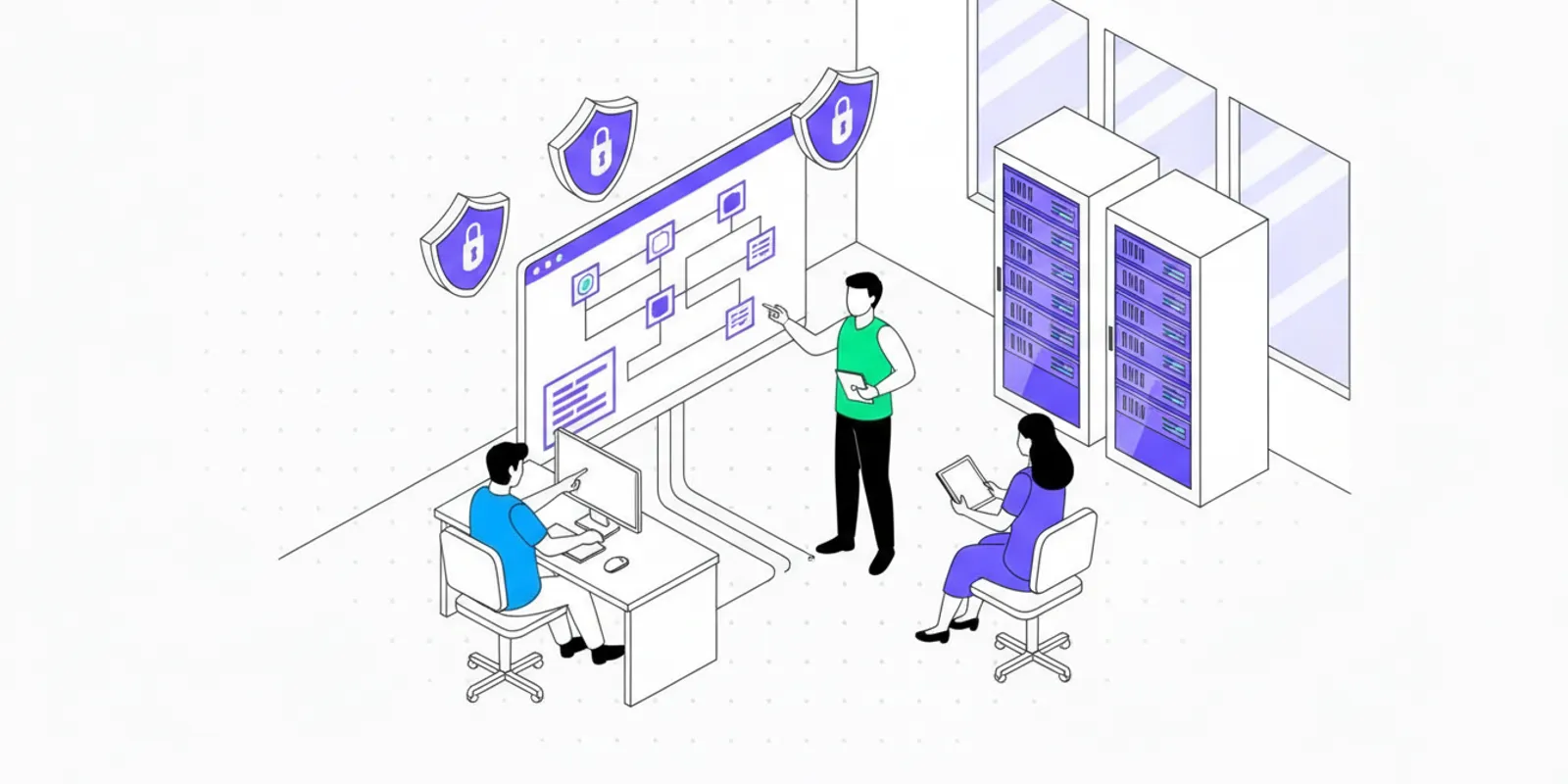
Cloud security is not a single product or configuration task. For growing teams, it is a repeatable way to understand cloud assets, reduce exposure, test important systems, and respond when changes create new risk. The right starting point is a clear view of what you run, who can reach it, and how sensitive data moves through it.
Talk with Penti about security testing
What should cloud security cover?
Cloud environments combine infrastructure, identity, applications, data, and provider-managed services. Responsibility is shared: a provider secures parts of the underlying service, while your team remains responsible for choices such as access, configuration, application code, and data handling. The exact boundary depends on the service model and contract, so document it rather than assume the provider covers every concern.
Start with five connected areas:
- Assets: accounts, projects, regions, services, domains, and workloads.
- Identity: human and machine accounts, permissions, authentication, and credentials.
- Configuration: network exposure, logging, encryption settings, and service defaults.
- Applications and data: code, APIs, storage, secrets, and the paths between them.
- Operations: monitoring, backups, incident response, change review, and testing.
These areas overlap. A publicly reachable application may be affected by a cloud network rule, an identity permission, or an application flaw. Reviewing each in isolation can miss the path that makes a weakness exploitable. For example, a storage permission might look reasonable by itself, but become consequential when an exposed API can request a workload credential and use it to read customer exports. The useful question is not just whether a control exists. It is whether the combined design limits the actions available to an unauthorized person.
For cloud-native teams, see Penti’s guides to cloud-native security and DevSecOps workflows for related development practices.
How can a team map its cloud environment?
Build an inventory that supports decisions, not just a list of services. Record who owns each account or workload, what it supports, whether it handles sensitive information, and how it is exposed. Include production and nonproduction environments, third-party integrations, and forgotten test resources.
- Identify accounts and projects. Gather cloud accounts, subscriptions, projects, regions, and the teams that administer them. Include separate organizational units and acquired or experimental projects where they exist.
- Trace critical services. Connect internet-facing applications to APIs, databases, storage, identity systems, and external providers. Draw the path a request takes, including where authentication happens and what the application can access next.
- Assign an owner. Every production asset needs a team responsible for maintenance and remediation. A named team is more useful than a generic label such as “engineering.”
- Label importance and data. Note business impact, data sensitivity, and whether a system supports a customer-facing or compliance-relevant process. Record dependencies that could make a seemingly minor service critical.
- Review changes. Update the inventory through deployment and account-provisioning workflows, then periodically check for items that have no owner or are no longer used.
A service map is more valuable when it shows relationships. Consider a small SaaS company that runs a customer portal, a background job, and an analytics store. The portal may be internet-facing; the job may hold a role that reads records; the analytics store may contain a copy of those records. If a team tracks only the portal hostname, it cannot easily judge the consequences of a compromised endpoint. Add the identity and data links, then ask which other systems that role can reach and whether the data copy has the same safeguards as the primary store.
Keep the inventory usable. Start with a spreadsheet or existing cloud inventory view if that is what the team can maintain. Add fields only when they change a decision: owner, environment, exposure, data class, dependency, and last review date are often more actionable than a long catalog of technical labels. A quarterly review can catch drift, but deployment and account-creation workflows should update important information as changes happen.
Which cloud risks deserve attention first?
A long alert queue does not tell a team what to fix first. Prioritize using context: exposure, privilege, data sensitivity, exploitability, business impact, and whether a control already limits the path. A vulnerability on an isolated test host may be less urgent than a weaker issue on a public service with access to sensitive records.
| Risk area | Review question | Practical first action |
|---|---|---|
| Public exposure | Does the service need to accept traffic from the public internet? | Confirm business need, restrict access where possible, and check the exposed application. |
| Identity and permissions | Can users or workloads access more than their job requires? | Review privileged roles, remove stale access, and narrow permissions. |
| Data protection | Where is sensitive data stored and how can it be reached? | Map data flows, limit access, and verify relevant encryption and backup settings. |
| Secrets | Are credentials embedded in code, images, logs, or build output? | Use managed secret storage, rotate exposed credentials, and scan relevant repositories. |
| Visibility | Would the team notice suspicious access or configuration changes? | Enable useful audit records, route alerts to owners, and test the response path. |
| Application weaknesses | Can an attacker reach a flaw through a real deployment path? | Test the live application and API within an authorized scope, then verify fixes. |
Use the table as a triage aid, not as a substitute for examining your architecture. A simple scoring conversation helps teams apply it consistently. For each finding, ask: Is it reachable from outside? What permissions or data are involved? What would a successful attack disrupt? Is there a reliable barrier that blocks the path? Record the answers and the reasoning, so another team can understand why one item is handled before another.
For example, compare two findings. A high-severity library issue in a development tool may have no route to production secrets and may require privileged access. A moderate access-control defect in a public customer API may expose another tenant’s records using an ordinary account. The second issue could merit faster action because the exposed route and data impact are clearer. Labels are useful signals, but they should not replace an assessment of actual reachability and consequence.
How should teams establish practical cloud controls?
Define a small baseline that applies to every production environment, then add stricter controls where the data or business impact warrants them. A baseline might cover strong authentication, least privilege, approved network exposure, audit logging, secure secret handling, backup expectations, and a process for reviewing material changes. Assign an owner to each control and describe what evidence shows it is working.
Make identity a first-class control
Use individual identities for people and separate identities for workloads. Require stronger authentication for privileged access, limit standing administrator rights, and review access when roles change. Machine credentials should have a clear owner, limited scope, and a rotation or replacement process. Avoid shared accounts that make activity difficult to attribute.
Run a practical access review by exporting or viewing privileged roles, confirming each person still needs the role, and checking when the access was last used. For workload identities, compare permissions with the actions the service performs. If a report generator only needs to write to one bucket, a broad account-level role is harder to justify. Make changes in a controlled way, then test the service’s expected workflow to catch permissions that were actually required.
Control network paths and service exposure
Document which services must be reachable from outside your environment. Restrict management interfaces and internal services to appropriate networks or identity-aware access paths. Review firewall and security-group rules for broad ranges and temporary exceptions that became permanent. Confirm that a service is not exposed merely because a default setting or deployment template allowed it.
When reviewing an exception, record its purpose, owner, and review date. An “allow all” rule added during troubleshooting should not become an invisible permanent control. First determine whether the service needs public access at all. If it does, identify the specific ports and routes required, then confirm that authentication and application controls are appropriate for the exposed function.
Protect information through its lifecycle
Classify important data, identify where copies and backups reside, and limit access to the teams and services that need it. Protect credentials and tokens as sensitive data. Establish retention and deletion expectations, and check that logs do not inadvertently capture secrets or personal information. Cloud security includes the application and data paths, not only the storage service setting.
Follow one representative record from collection to deletion. Identify which application receives it, which services transform it, where it is stored, whether analytics or support systems create copies, and how backups expire. This exercise often reveals that teams have carefully configured the primary database but have not assigned an owner to exports, test datasets, or diagnostic logs.
Build visibility and recovery into operations
Collect records that help answer who changed a resource, who accessed it, and what happened next. Alert on events that matter to your threat model and route them to people who can act. Test backup restoration and incident procedures, because an untested control may not work as expected under pressure. The Cloud Security Alliance Security Guidance provides a professional reference for organizing cloud security practices; adapt guidance to your environment and obligations.
Define a small number of alert scenarios and rehearse the response. For instance, decide who investigates an unexpected public-access change to a storage resource, how the change can be contained, and how the team checks for access before it was reversed. Keep evidence of the exercise and update the runbook when the real response differs from the planned one. Logging without an owner or action path may produce data without improving response.
Teams that need to align controls with broader business requirements can review Penti’s resources on cybersecurity frameworks and SOC reports and risk assessments.
How do you test cloud-hosted applications?
Configuration checks and vulnerability scans can identify issues, but they do not always show whether weaknesses combine into a meaningful attack path. Application testing should examine how an authorized user and an unauthenticated visitor interact with the system, including its APIs, roles, and important data flows. A cloud review should consider both the deployed application and the permissions and services around it.
Before testing, agree on scope and safeguards:
- List the domains, applications, APIs, accounts, and environments that are in scope.
- Identify excluded systems, third-party services, and actions that could disrupt production.
- Set testing windows, points of contact, and escalation steps for unexpected impact.
- Use test accounts with realistic roles, without exposing unnecessary real customer data.
- Define how evidence will be recorded, shared, retained, and removed after review.
Make scope specific enough to prevent ambiguity. “Test the product” may leave uncertainty about tenant environments, administrative portals, mobile clients, staging systems, or an integration owned by another vendor. List hostnames and APIs, state which accounts are authorized, and say whether testing may change or create data. Confirm that the right owners know the testing window, including operations staff who may receive alerts.
Then test for issues relevant to the application: broken access control, unsafe input handling, authentication weaknesses, exposed secrets, insecure integrations, and business logic errors. A useful test follows a realistic sequence, such as signing in as a basic user, requesting another user’s resource, and checking whether a server-side authorization decision prevents access. For cloud-backed systems, assess whether a compromised component could reach storage, secrets, or other services beyond its intended role.
For a focused testing plan, see Penti’s guides to web application security, API security testing, and types of penetration testing. Testing must be authorized and bounded to systems you control or have explicit permission to assess.
How should a team handle findings?
A finding is useful only if the right owner can understand and address it. Record the affected asset, conditions needed to reproduce the issue, potential impact, supporting evidence, and a practical remediation direction. Separate confirmed weaknesses from assumptions, and avoid including sensitive data in reports unless it is necessary and safely handled.
- Validate and contextualize. Confirm the behavior and determine which assets and data paths are affected.
- Assign ownership. Send the issue to the application or platform team with a clear contact and expected next step.
- Prioritize by risk. Consider exposure, impact, access needed, and available mitigations rather than severity labels alone.
- Fix the cause. Address the underlying permission, code path, or configuration, not only the observed symptom.
- Retest. Verify that the issue is resolved and check for related paths or regressions.
- Capture learning. Update standards, templates, or deployment checks so the same class of problem is less likely to recur.
Suppose testing finds that one tenant can request an invoice belonging to another. A weak report might say only “access control issue.” A useful report states the affected endpoint, role used, safe reproduction steps with test data, expected and observed results, and the affected data boundary. The application owner can then investigate whether the error is in a shared authorization check, one endpoint, or an underlying query pattern. After the change, retest both the original request and nearby operations, such as invoice download and search, rather than treating one corrected response as proof that every related route is safe.
Set remediation expectations according to risk and operational capacity. A critical exposed issue may need immediate containment, while a lower-risk improvement can be scheduled with an owner and due date. Track exceptions, compensating controls, and decisions to accept risk so they can be reviewed rather than forgotten. If a fix needs a deployment window, use a temporary mitigation only when it actually reduces exposure, and define who will remove it and when.
How can cloud security become a repeatable program?
A growing organization does not need to solve every security problem at once. It does need a dependable cycle that keeps the most important systems visible and tests whether safeguards work as intended. Build the cycle around events teams already manage, such as onboarding a service, changing an identity role, deploying a major feature, and responding to a finding.
- On onboarding: assign ownership, classify data, and apply the production baseline.
- During delivery: review meaningful changes, scan code and configuration, and protect deployment credentials.
- On a schedule: review access, exposed services, backups, and alert quality.
- After major change: reassess new integrations, architecture, and application attack paths.
- After a finding or incident: remediate, retest, and improve the control or process that failed.
Make the process proportionate. A small team might hold a monthly review of production assets and high-risk findings, plus an additional review after a major architecture change. A larger team may delegate routine checks to service owners and reserve a cross-functional meeting for exceptions, trends, and risks that cross team boundaries. In either case, use a shared record of decisions, owners, and due dates so work does not disappear between meetings.
Measure whether the program is becoming more useful, not merely whether it produces more alerts. Practical measures include the proportion of production assets with an owner, time to triage important findings, overdue high-risk remediation, completion of retests, and whether teams can restore from backups. Define each measure consistently and use it to prompt action. If a measure worsens, ask whether the inventory is incomplete, ownership is unclear, or teams lack a workable remediation path before adding more alerts.
Continuous security testing can help teams revisit systems as they change, while periodic assessments can provide a focused review at a defined point in time. The suitable cadence depends on the rate of change, system impact, and obligations. Penti’s article on continuous versus periodic penetration testing explains how teams can compare those approaches.
What should the first 90 days look like?
A time-boxed start turns broad goals into manageable work. The sequence below is not a promise that every risk will be resolved in three months. It gives a team a way to establish visibility, tackle obvious exposure, and create a sustainable review loop.
Days 1 to 30: establish a baseline
Gather the production account and service list, identify internet-facing applications, name owners, and flag systems that handle sensitive or business-critical data. Review privileged access and broad public exposure first. Create a short risk register with evidence, owner, next action, and date for review. If the inventory is incomplete, mark that uncertainty rather than treating missing information as proof of safety.
Days 31 to 60: close practical gaps
Work through the highest-priority access and configuration issues. Confirm useful audit logging, verify that backups can be restored, and check how secrets are stored and rotated. Add a lightweight review step to deployment or account-creation workflows so newly created production resources do not fall outside the baseline. Select a representative application and trace its request, identity, and data paths.
Days 61 to 90: test and improve the cycle
Agree on scope and safeguards for authorized application testing. Test important user roles and data boundaries, route findings to named owners, and retest completed fixes. Review what slowed the work: unclear ownership, noisy alerts, missing documentation, or changes that were difficult to deploy. Use those observations to update the baseline and set the next review date. This makes the next cycle more focused than the first.
Frequently Asked Questions
Is cloud security the cloud provider’s responsibility?
No. Providers secure parts of the underlying services, but customers retain responsibilities that depend on the service and configuration, including identity, application security, data, and access settings. Confirm the exact division for each service you use.
Are cloud configuration checks enough?
They are useful, but they do not demonstrate that application behavior is safe or that related weaknesses cannot be combined. Pair configuration review with code and dependency controls, access review, and authorized testing of important applications and APIs.
How often should cloud systems be tested?
Set a cadence based on how quickly the system changes, how exposed it is, and the impact of compromise. Reassess after significant changes and use recurring review for critical systems. Applicable contracts or regulations may set additional requirements.
What should a small team do first?
Inventory production accounts and internet-facing services, assign owners, review privileged access and public exposure, and make sure important activity is logged. Then test the highest-impact application paths and establish a process to fix and retest findings.
Discuss a cloud security testing plan
Cloud security improves when asset ownership, practical controls, authorized testing, and remediation work together as a routine part of operating your systems.
