

OWASP Agentic AI Threats: A Practical Guide for Security Teams
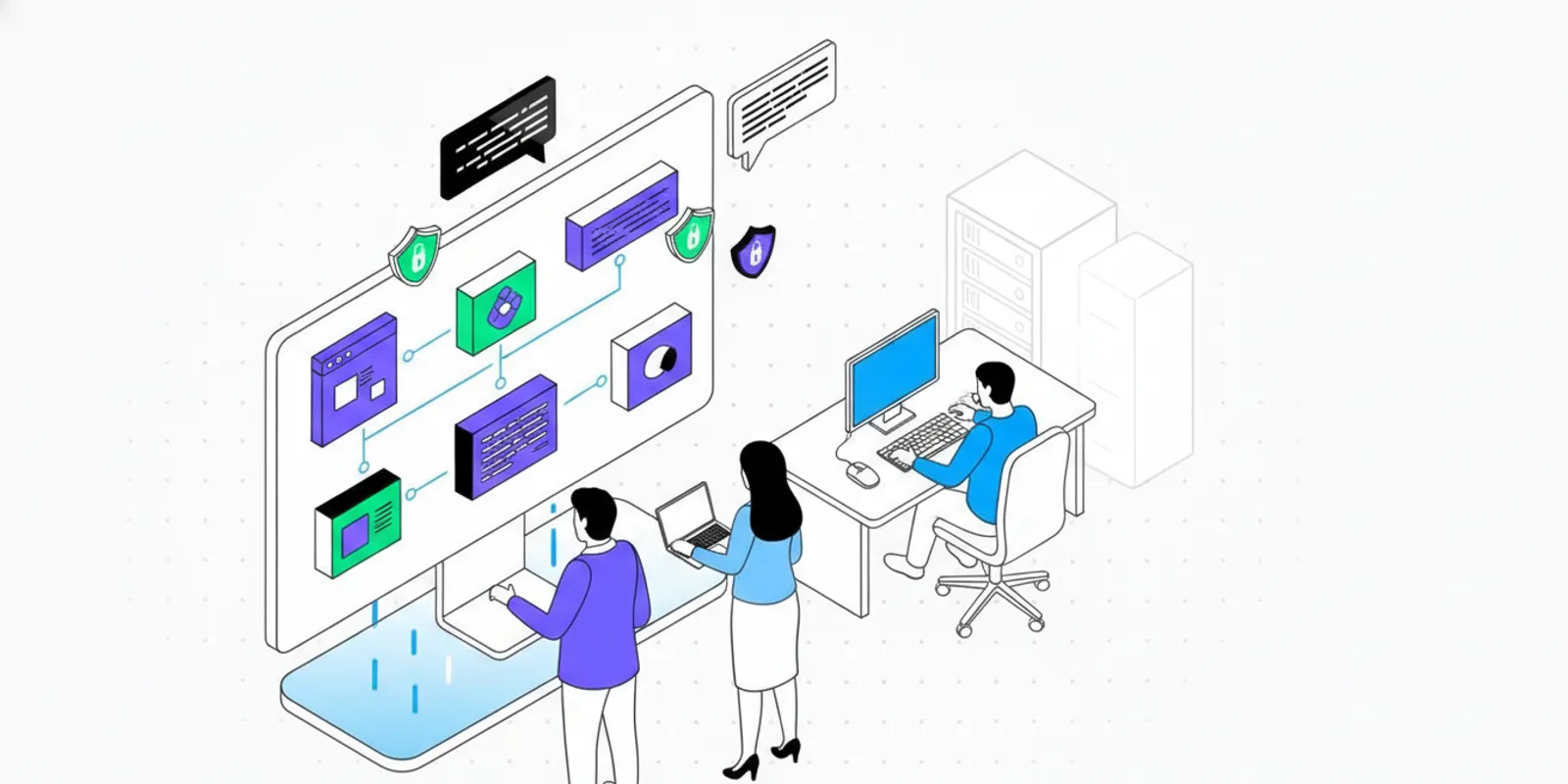
The OWASP agentic AI threats and mitigations guide 2025 is useful to security teams because it focuses attention on what changes when an AI system can do more than generate an answer. An agent may select tools, retrieve sensitive data, call external services, or take actions through an application. Those capabilities create security risks that require controls around the model, its permissions, its inputs, and the systems it can reach.
Talk with Penti about your security testing needs
What does the OWASP guide say about agentic AI threats?
OWASP’s agentic AI security work frames agentic systems as a security problem involving connected components and actions, not only model output. An agent can interpret a request, make a plan, choose a tool, and pass information between services. A weakness at any step can affect the final outcome. A prompt may be manipulated, an integration may expose too much access, or an action may be taken without a meaningful approval check.
The OWASP project describes its agentic security workshop as covering threats and mitigations for agentic AI systems. For a security team, the practical lesson is to assess the whole path from user input to downstream action. A model’s answer may appear harmless while a tool call, retrieved document, or delegated task creates the consequential risk.
This guide applies that perspective to product and security reviews. It is not a claim that one checklist can make an agent safe or that every system has the same exposure. Teams should map their own architecture, data, permissions, and use cases, then validate controls against realistic scenarios. The OWASP resource is a starting point for discussion, not a substitute for testing the application as deployed.
How is an agent different from a conventional AI feature?
A conventional AI feature might summarize a document or draft text for a person to review. An agentic workflow may also decide which operation to perform, invoke a tool, and continue based on the result. This expands the system’s effective attack surface. The agent’s behavior depends on the model, instructions, connected tools, identity and access settings, data sources, and the application that executes its requests.
That distinction matters even when a human remains in the loop. A person may approve an action based on incomplete context, or a system may have broad permissions that make an accidental or manipulated request consequential. Security teams should ask what the agent can do in practice, rather than relying only on its intended purpose. For example, an assistant described as a support tool may still search customer records or create account changes if those functions are connected and authorized.
- Inputs: Which users, files, messages, and external sources can influence the agent?
- Decision path: Can it plan, delegate, retry, or change its approach without a person reviewing each step?
- Tools: Can it read or change records, run code, send messages, or access cloud services?
- Identity: Whose credentials does it use, and how narrowly are they scoped?
- Outputs: What is logged, reviewed, and checked before an action affects a customer or production system?
These questions connect agent security to established application and cloud practices. Teams can build on their existing AI application security review, API security testing, and cloud native security controls, while accounting for the agent’s ability to sequence actions dynamically.
Which threat scenarios should a team examine first?
Start with scenarios tied to actual capabilities and business impact. The aim is not to produce an abstract list of frightening possibilities. It is to identify how a failure could occur in this product, what the agent could access, and how the team would detect and contain it. A practical review begins with one workflow, such as processing a support request, and traces how a message becomes a tool call and then a change in a system.
Untrusted content steers an agent
An agent may read user submitted content, web pages, tickets, documents, or email. Malicious or misleading instructions embedded in those sources may influence its decisions. If the agent treats retrieved content as trusted instructions, it could disclose information or choose an unsafe tool action. Review which sources are ingested, how instructions and data are separated, and whether the agent can act on content without confirmation.
For a concrete test, place a harmless marker instruction in a test document that asks the workflow to perform an unrelated action. Observe whether the system merely quotes the content, ignores it, or changes its plan. Use a nonproduction environment and test data. The point is to verify how the application handles the boundary, not to assume that a system prompt alone prevents manipulation.
Excessive tool permissions magnify a mistake
A tool may expose more capability than a task needs. A read only assistant that receives write access, or a workflow identity that can reach unrelated customer records, increases the impact of a bad decision. Inventory each integration and its permissions. Test whether a compromised or misdirected workflow can reach data or functions outside its intended scope.
Consider a scheduling agent that needs to read available meeting times and create a tentative hold. If its identity can also delete events across the company calendar, the permission boundary is wider than the task requires. Separate the required operation from unrelated administrative functions. Where separate identities are impractical, enforce scope in the service that receives the request and verify the denial path.
Sensitive information moves across boundaries
Agents can combine information from multiple sources and pass it to tools or external services. A team should identify sensitive fields, where they are retrieved, what is sent onward, and whether logs or traces retain them. Include indirect paths such as copied output, tool responses, and delegated subtasks in the data flow review.
Walk through one record end to end. Note what the user submits, what retrieval returns, what context the model receives, what the agent places in a tool request, and what the application stores afterward. Then ask whether each field is needed at each stage. Reducing unnecessary data is often a more dependable safeguard than hoping an agent will consistently omit it.
Delegation obscures responsibility
Systems with multiple agents or delegated tasks can make it harder to know which component made a decision or used a permission. Define a clear owner for each action, preserve traceability across handoffs, and make sure a request cannot gain authority simply because it moved to another component. Record enough context to link the initiating request, delegated work, tool identity, and final result.
Unsafe actions occur without effective oversight
Human approval is useful only when the reviewer can understand what is being approved. A generic confirmation prompt may not show the target, data, or consequences. For actions with meaningful impact, show the proposed operation and relevant context, require an explicit decision, and provide a way to stop or reverse the workflow where feasible. Approval should not be used to cover for missing authorization checks.
How can teams compare risks and mitigations?
Use a simple threat to control map to make review decisions concrete. The controls below are starting points, not a substitute for architecture specific analysis or testing. Add the owner and evidence expected for each control so the table leads to action.
| Risk area | Example failure | Practical mitigation | Validation question |
|---|---|---|---|
| Untrusted input | Retrieved content changes the agent’s intended behavior | Separate data from trusted instructions; constrain actions and verify high impact steps | Can hostile content trigger a tool call or expose data? |
| Tool access | Agent can modify resources beyond its task | Use least privilege, scoped identities, and separate read and write functions | Does the identity have access unrelated to this workflow? |
| Data handling | Sensitive information reaches an unintended destination | Map data flows, minimize retrieved data, and review outbound tool payloads | Can the team trace sensitive data through tool calls and logs? |
| Human oversight | Reviewer approves an unclear or overbroad action | Present action details and require meaningful approval for consequential changes | Can a reviewer identify the target, scope, and expected effect? |
| Monitoring | Abnormal actions are not detected or attributable | Log identities, tool requests, decisions, and outcomes with appropriate protections | Can responders reconstruct and contain a suspicious run? |
For each row, keep a short evidence note. A permission review might include the service identity and its granted operations. An approval control might include a test run showing the action preview and the recorded decision. Evidence makes it possible to distinguish an intended control from a control that is actually enforced.
What safeguards belong across the agent lifecycle?
Controls work best when they are considered before deployment and checked as the system changes. A model update, new connector, changed prompt, or expanded permission can alter the risk profile even if the user facing feature appears unchanged. Assign an owner to review each material change and decide whether existing tests still represent the deployed workflow.
Before development or procurement
- Document the agent’s purpose, users, data sources, tools, and permitted actions.
- Identify high impact outcomes, sensitive information, and systems that must remain out of reach.
- Set risk acceptance criteria, approval requirements, and a named operational owner.
- Review vendor and integration boundaries, including how credentials and logs are handled.
Teams can connect this work to their broader AI security governance and security framework processes. A useful governance process names who can approve a new capability and what evidence is needed before it is enabled. For example, a request to add a write capable connector should identify the business need, the affected data, the proposed identity scope, and the test plan before approval.
During implementation
- Give each tool only the permissions needed for its specific task.
- Validate inputs and outputs at application boundaries; do not assume model instructions enforce access control.
- Use explicit policies for sensitive operations, including approval or additional checks when appropriate.
- Keep secrets out of prompts and unnecessary context, and control access to traces and diagnostic data.
- Ensure failure paths are safe. A timeout or uncertain response should not silently trigger a more powerful action.
Good agent controls reinforce standard secure development practices. Access decisions should be enforced by the application and service, not entrusted solely to a natural language instruction. This is consistent with a broader DevSecOps workflow that treats security as part of build, release, and operations. Teams should also test whether retries can repeat a transaction or whether an ambiguous tool response can lead to duplicate changes.
Before release and during operation
- Test abuse cases as well as normal user journeys, including malicious content and unexpected tool responses.
- Record enough information to investigate behavior while limiting exposure of sensitive data in logs.
- Monitor for unusual tool use, access patterns, repeated failures, and unexpected changes.
- Define how to disable a connector, revoke credentials, pause a workflow, and notify affected owners.
- Reassess controls after material changes to tools, data, prompts, models, or permissions.
Operational readiness should be tested, not merely documented. A tabletop exercise can ask who receives an alert, who can disable the integration, how affected records are identified, and what evidence responders need. If those questions have no clear owner or answer, the response plan needs work before an incident.
How should a security team test an agentic workflow?
Testing should follow the workflow from entry point through final effect. Begin with the product’s intended use and map each trust boundary: user interface, model service, retrieval source, tool gateway, API, and downstream system. Then choose scenarios that challenge those boundaries. Include normal cases too, so controls do not simply block the feature from working.
- Set the scope. Identify the environment, accounts, test data, approved actions, and systems that are off limits. Make sure testing cannot affect real customers or production data without explicit authorization.
- Map capabilities. List tools, identities, permissions, data sources, and actions. Confirm that documentation reflects deployed behavior.
- Develop realistic abuse cases. Try untrusted instructions in retrieved material, attempts to exceed permissions, unexpected tool responses, and requests to move sensitive data. Focus on conditions that apply to the product.
- Observe the full run. Capture the initial request, relevant context, tool calls, identity, approval state, and resulting change. Avoid relying only on the model’s final explanation.
- Verify mitigations. Retest after changes. Confirm that access is denied at the enforcement point and that monitoring and escalation work as expected.
- Prioritize remediation. Consider likelihood, reachable assets, business impact, and whether the behavior can be repeated. Assign an owner and retest date to each material finding.
A worked example helps make this method concrete. Suppose a support workflow reads a ticket and can look up an account, draft a response, and issue a refund. In a test environment, create a ticket containing irrelevant instructions and request a refund beyond the user’s authority. Observe whether the agent treats ticket content as data, whether the refund tool enforces the limit independently, whether approval displays the amount and account, and whether the event is recorded. A passing result requires more than a refusal in the chat window: the underlying action must be denied or held at the appropriate control.
For adjacent topics, teams can use Penti’s guides to LLM security and types of penetration testing to shape a wider testing program. The agent specific focus remains on authority and action: what can the workflow do, under which identity, and what prevents an unintended result?
What should buyers ask about agentic AI security testing?
When evaluating an internal program or testing provider, ask for clarity about scope, methods, evidence, and retesting. Avoid relying on a broad claim that a system is secure without seeing what was examined and what remains outside scope. A useful conversation should connect the proposed test to the actual workflow and the business impact of its actions.
- Which user journeys, integrations, identities, and environments will be tested?
- How will testing account for indirect prompt manipulation and retrieved content?
- Will permissions and downstream effects be checked, or only model responses?
- What evidence supports a finding, and how will the team reproduce it safely?
- How are critical findings prioritized, assigned, and retested after remediation?
- What assumptions, exclusions, and required customer actions will be documented?
A useful report connects each issue to a component, an observed path, a possible impact, and a practical fix. It should distinguish confirmed behavior from hypotheses and state any limits on the test. That lets engineering teams act without treating a test as proof that every possible attack has been eliminated. Ask whether the report will identify the exact permission or boundary involved, and whether the retest will verify that the original path no longer succeeds.
What should the first 90 days look like?
A phased plan helps teams improve coverage without introducing a large, unfocused process. Adapt the sequence to the system’s risk and release pace. A small team can start with its highest impact workflow rather than attempting to inventory every possible AI use at once.
- Days 1 to 30: Establish the map. Inventory agent workflows, tools, identities, data sources, and owners. Select the highest impact use cases and document the actions each can take. Mark any unclear or excessive access for review.
- Days 31 to 60: Close basic control gaps. Narrow permissions, remove unnecessary access, define approval points, and confirm logging and incident response steps. Add abuse cases to design and release reviews.
- Days 61 to 90: Test and improve. Run scoped security tests, document evidence, remediate priority issues, and retest. Set review triggers for changes to models, tools, data, and privileges.
Track progress through evidence that supports decisions: mapped workflows, reviewed permissions, completed tests, assigned findings, and verified fixes. A count of controls alone does not show whether an agent can still perform an unsafe action. At the end of each phase, record the remaining risk, the accountable owner, and the next decision date. This keeps the plan useful to both engineering teams and leaders deciding which changes should come first.
Frequently Asked Questions
Is OWASP’s agentic AI work a certification?
No. The cited OWASP workshop description presents a learning resource about threats and mitigations, not a certification or guarantee. Teams can use the material to inform their own risk reviews and testing.
Does a human approval step make an agent safe?
Not by itself. Approval is more useful when the reviewer sees the exact action, target, scope, and relevant context. Teams should also enforce permissions and validate actions in the systems that execute them.
Should agent testing replace application security testing?
No. Agent testing adds scenarios involving model guided decisions, tool use, and delegated actions. It should complement testing of the application, APIs, cloud configuration, and identity controls that support the workflow.
How often should an agent be reassessed?
Reassess after significant changes to capabilities, permissions, integrations, data sources, or deployment behavior. Teams should also schedule reviews appropriate to the system’s risk and monitor for changes that could invalidate earlier assumptions.
Discuss an agentic AI security assessment
Agentic AI security improves when teams understand what a workflow can access and do, limit that authority, and verify safeguards with evidence. Use the OWASP discussion as a starting point, then adapt the review and testing plan to your system’s real boundaries and risks.
